Tattoo stencil maker: how a design becomes the line map on your skin
Before the first needle touches skin, your artist presses a sheet onto you and peels it away, leaving a purple outline. That's the stencil: a line map of the tattoo, not the finished art. A tattoo stencil maker turns a design or a photo into that kind of clean linework. Here's what a good one gives you, and where your part ends and your artist's begins.
Design, stencil, tattoo: three different things
People use the words loosely, but they are three separate stages, and mixing them up is behind a lot of stencil disappointment.
- The design is the full artwork: every shadow, gradient, color and texture. It's the reference your artist keeps beside them while they work.
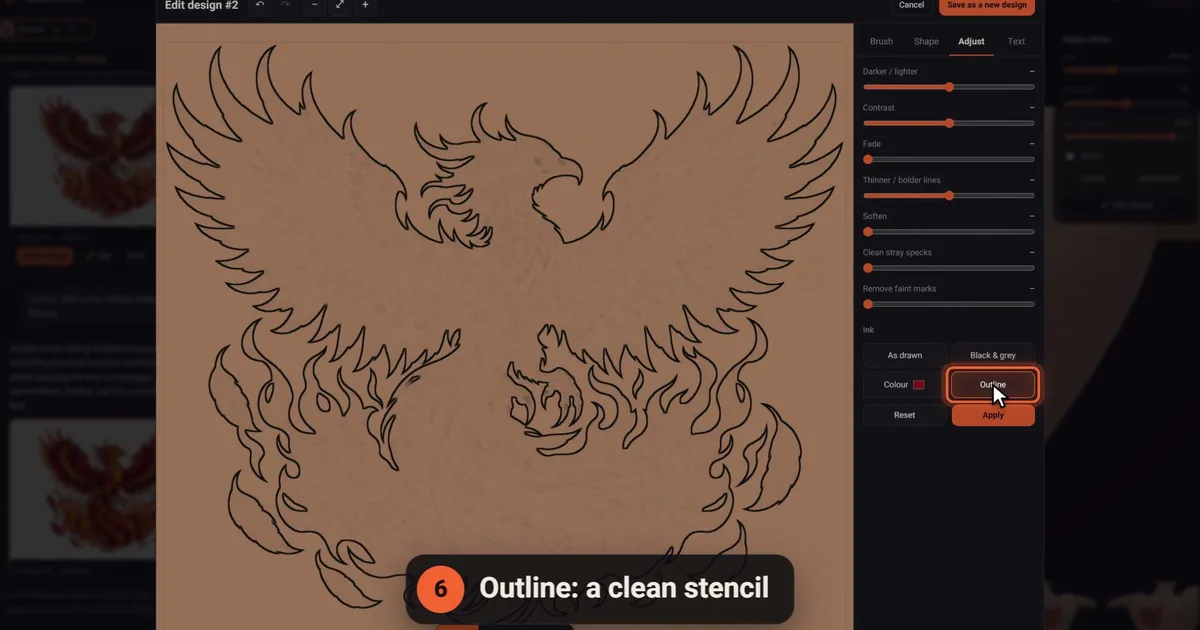
- The stencil holds only the lines needed to place the tattoo: outlines, the edges of shaded areas and the key details. No fills, no soft gradients.
- The tattoo is what your artist builds on top of the stencil, shading by hand while looking at the design.
A stencil that tries to carry everything turns into a purple smudge on the skin, and the artist loses the very lines they need. Expect a good stencil to look sparse, almost unfinished. That's the point.
How a tattoo stencil maker works
There are two routes from artwork to linework, and they suit different starting points.
Converters trace the image: they look for dark edges and turn them into black lines, often with sliders for contrast and detail. They're quick and work well on art that already has clear outlines, such as flash or a clean line drawing. On photos they struggle, because every shadow becomes a line. Tatship's photo-to-stencil converter, for example, says it needs no sign-up, is free to try, and offers adjustable contrast for cleaner stencils.
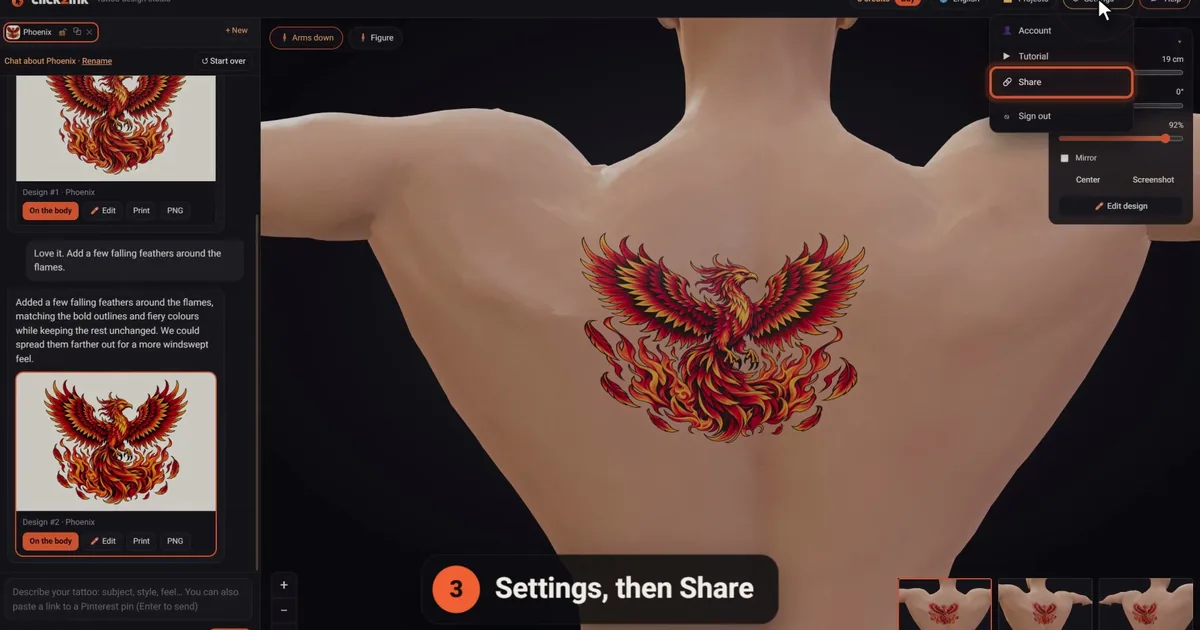
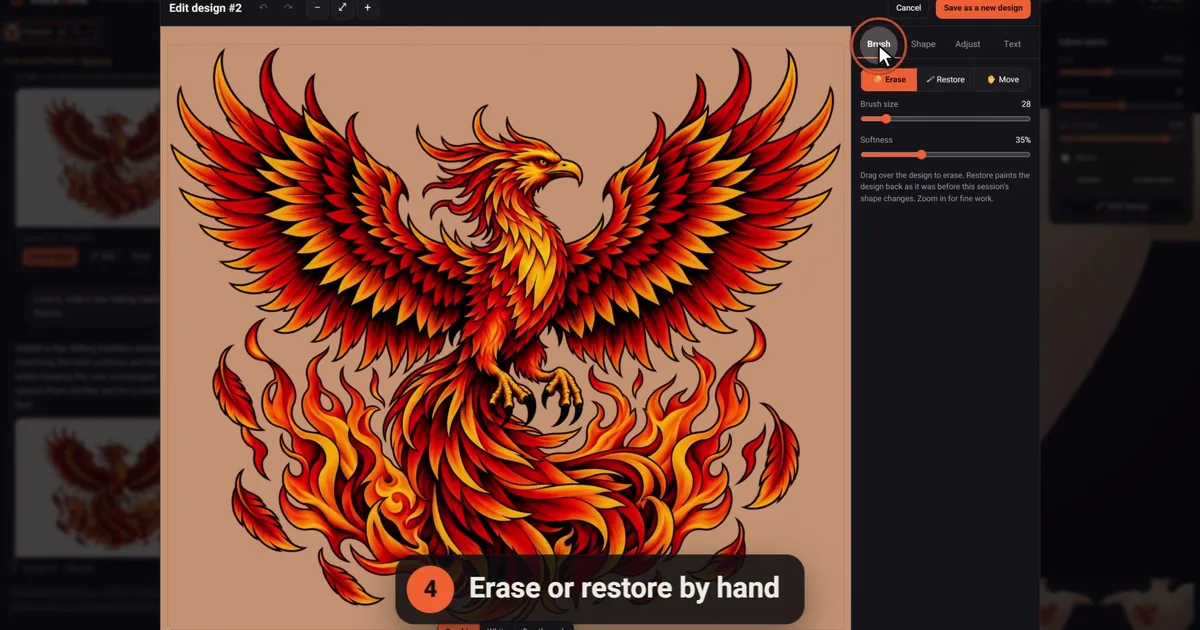
Outline and redraw tools start from a finished design and reduce it to its lines on purpose, keeping the contours that matter and dropping the texture. That's how the design editor works in click2ink: Outline gives any design a stencil look, "clean stray specks" removes the dust a conversion leaves behind, and erase and restore let you fix any line by hand. None of those editor tools costs a credit, and the features page shows the rest of them.
If your starting point is a photo or a rough sketch, redraw it as clean artwork first (our guide to turning a photo into a tattoo design explains why), then make the stencil from that.
What makes a stencil clean
Whichever tattoo stencil maker you use, check the result against this list before you print:
- One line per edge. No doubled, hairy or sketchy strokes that leave the artist guessing which line is real.
- Closed shapes where they matter. Petals, letters and borders shouldn't have gaps.
- No specks. Stray dots transfer to the skin too, and look like part of the design.
- Detail that suits the size. Forty tiny feathers on a 6 cm swallow will merge; keep the main shapes and let the artist suggest the rest.
- Shading shown as boundaries. A light line where a shadow starts, never a filled area.
- Text checked letter by letter. A stencil is where a typo becomes permanent.
- True symmetry where it's meant. Mandalas, wings and ornaments should be mirror-perfect; mirror tools make that easy.
The print: the same size as on your body
A stencil is only useful at the size it will be on your body. A design that's 14 cm tall on your forearm must print at 14 cm, not at whatever size fits the page.
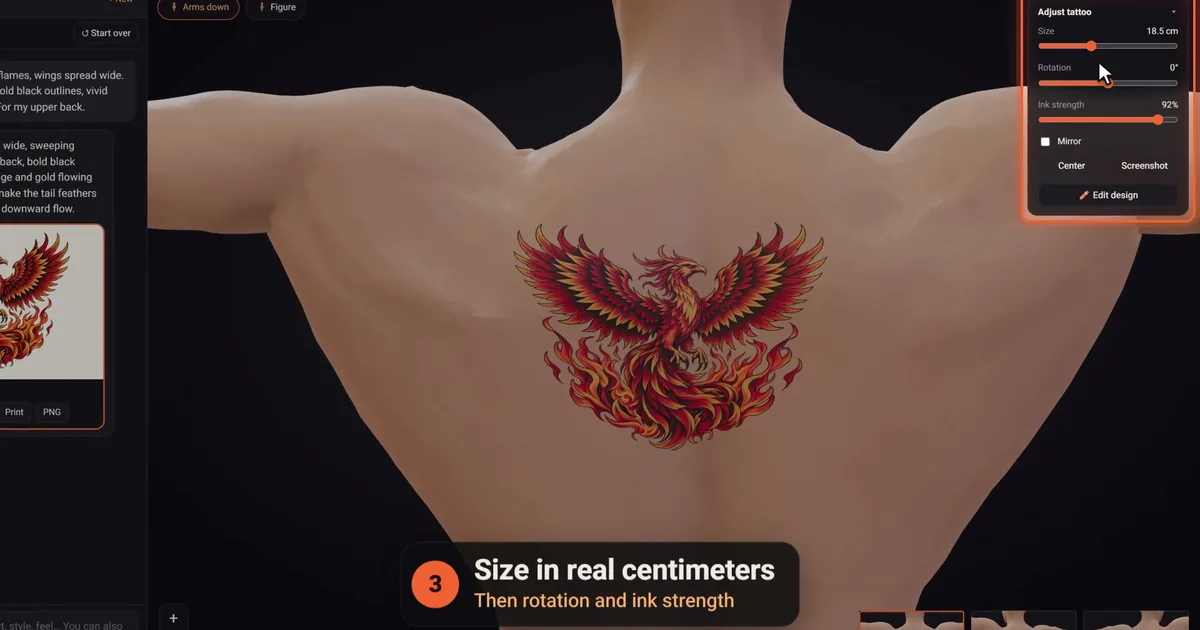
In click2ink, the print page sets the design at the real size it has on the body, with a 5 cm check ruler underneath. Print at 100% (not "Fit to page"), then measure the ruler: if it reads 5 cm, every line is true to size. Cut the print out and hold it against your body in a mirror, from the front and from the side. If it feels too big or too small, change the size in centimeters on the 3D figure and print again. Our tattoo size guide helps you choose the number.
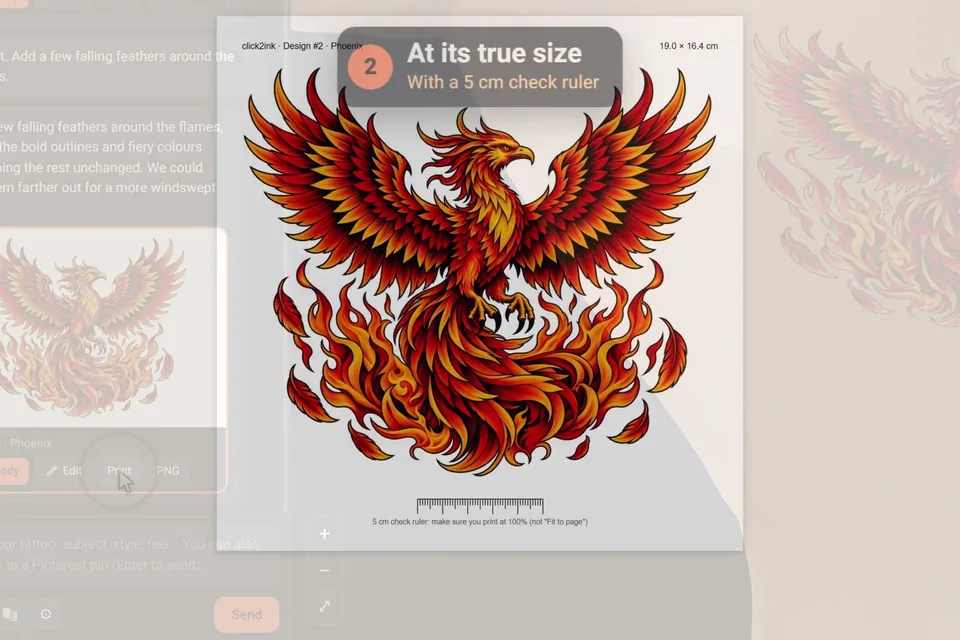
The true-size print tells your artist the size; the full design, with its shading and color, tells them the look. With both in hand they can plan the stencil before you sit down. Our piece on bringing AI tattoo designs to tattoo artists covers that conversation.
How artists transfer a stencil to skin
Your print is the brief; the stencil on your skin is your artist's job. They have a few ways to make it:
- Thermal printers and copiers. Like other thermal printing, they use heat rather than ink, here to put the lines onto special stencil paper whose transfer layer carries them to the skin.
- Hand tracing. The artist traces the design onto transfer paper by hand, adjusting lines as they go. The method has roots in the hectograph, an old gelatin copying process that was one of the first stencil transfer techniques in tattooing.
- Freehand. Some artists draw directly on the skin with a skin marker, often for large pieces that need to follow the muscles.
Expect your artist to place the stencil, check it with you in a mirror and sometimes wipe it off and start again until it sits straight. That's care, not a problem. Many will also redraw your design before making the stencil, adapting line weights to your skin, and plenty of artists prepare that linework digitally; our guide to tattoo design software looks at the tools.
Before the transfer: stencil questions
Can I print a tattoo stencil on regular paper?
You can print the linework on regular paper, and it's a great size check and reference to bring along. The transfer itself needs stencil paper, made with a thermal printer or traced by hand, and that's your artist's job. Print at 100% and measure a check ruler, so the paper version matches the size you chose.
Do I need to mirror my design before making a stencil?
Not usually on your side. Whether a design gets flipped during stencil making depends on the paper and the printer, and your artist knows their own setup. Send the design exactly the way it should read on your skin, especially if it contains text, and let them handle the rest.
Should a tattoo stencil include shading?
Mostly not. A stencil carries outlines and, at most, light boundary lines that show where shading starts and stops. Filled areas transfer as blotches and hide the lines the artist needs. The shading itself is built by hand while the artist looks at the full design, which is why you bring both the design and the stencil print.
Will a tattoo stencil maker work on a photo of a person?
It will produce something, but a converter traces every edge it finds, so shadows, background clutter and skin texture all become lines, and faces suffer most. Redraw the photo as clean tattoo artwork first, ideally with someone who knows portraits, then turn that artwork into a stencil. The result is cleaner and far easier to tattoo.
Why did my artist redo my stencil?
Because a stencil has to fit your body on the day. Artists often adjust line weights, straighten a piece to follow a muscle, or simplify details that wouldn't age well. Wiping a stencil off and placing it again until it sits right is normal. Your print showed them what you want; their stencil makes it work on skin.
Is there a free tattoo stencil maker?
Yes. Some web converters, such as Tatship's, say they're free to try. In click2ink, the editor's Outline and the true-size print cost no credit; you only need a design, and the 450+ ready-made library designs are free. Sign in with Google and new accounts also get 3 free credits for drawing new designs with the AI.
Should I bring my own stencil to the studio?
Bring the design and a true-size print rather than a homemade transfer. Your artist makes the stencil with their own paper, printer and transfer products, which are made for use on skin, and fits it to your body on the day. The print you made at home is still useful: it shows the size you chose, and it can be checked against its ruler.
What's the difference between a stencil and a flash sheet?
A flash sheet is a page of finished designs, often painted, that an artist offers ready to tattoo. A stencil is the line transfer of one design, made for one placement on one person. You choose from flash; your artist makes a stencil from what you chose. Our flash tattoo guide covers the tradition.
Can a stencil show how the tattoo will look on my body?
Only on the day, and only roughly, since it's lines without shading or color. To judge the look in advance, preview the full design on a 3D body at its real size, from every angle, then decide. Our tattoo simulator guide explains what to check before you book.