Free AI tattoo generator: the catches, and how to make free credits count
Yes, a free AI tattoo generator can give you a design worth showing your tattoo artist. The price is rarely the catch. What changes from tool to tool is what "free" leaves out: how many tries you get, how big the file is, whether a watermark sits across it, and who else gets to see it. Here's how to spot each one, and how to spend free credits well.
The fine print behind every free AI tattoo generator
Most free tiers follow the freemium model: the basic product costs nothing and the extras are paid. That's a fair deal, as long as you know which extras matter for a tattoo. These are the ones that do:
| The catch | What it looks like | Why it matters for a tattoo |
|---|---|---|
| A cap on tries | A few designs a day, or a handful of credits | Few designs are right the first time; expect a round or two of changes |
| A watermark | A logo or text across the image | It sits on top of the very linework your artist needs to read |
| Small files | A preview-size image only | Printed at the size of a forearm or back piece, it turns soft and blurry |
| A public gallery | Free users' designs shown to other people | A child's name, a date or a family photo stops being private |
| Tight terms | Personal use only, or rights kept by the tool | Matters if you're an artist, or want to use the art anywhere else |
None of these is a reason to avoid a tool. They are reasons to read its pages before you type. TattoosAI, for example, says openly on its site that designs made on its basic plan go into its exploration gallery, and that its paid plan keeps them private. Knowing that up front, you can keep personal details out of your free designs and still get plenty from them.
Your photos, your names, and who owns the result
A tattoo brief is often personal: a parent's handwriting, a photo of your dog, a birth date in roman numerals. Before you attach any of that to any tool, free or paid, look for three answers in its terms or help pages. Are your pictures and prompts stored? Can other people see them? What are you allowed to do with the result?
Ownership is less settled than most people assume. In the United States, the Copyright Office announced in January 2025 that AI output can be protected only where a human contributed enough of the expression, and that writing prompts alone doesn't count. For a personal tattoo this rarely causes trouble. It's one more reason to see the AI image as a starting point: the drawing your artist makes for your skin is the real artwork. (That's background, not legal advice.)
At click2ink, the share link opens only the 3D figure and its tattoos, never your chats, and you can update it or revoke it at any time. If you use "Make it look like me" with a photo of your face, the photo itself never leaves your device.
Make every free credit count
When each try is precious, the order you work in matters more than clever wording. This sequence wastes the fewest generations:
- Choose the spot and the size first. A 7 cm ankle piece and a 25 cm thigh piece are different designs, not the same one scaled. Our guide to tattoo placement helps if you're torn between two spots.
- Commit to one style. "Fine line" or "American traditional" hands the AI a whole rulebook at once; "something cool" hands it nothing. Browse the tattoo styles if you need a name for what you like.
- Put the whole brief in the first message. Subject, style, placement, black and grey or color, and anything to leave out. Our examples of AI tattoo prompts show what a complete brief looks like.
- Explore fast, finish detailed. If the tool has a speed or quality setting, use the quick one while you test ideas and save the detailed one for the version you'll take to the studio.
- Change, don't restart. "Make the waves smaller and drop the clouds" keeps everything you liked. A fresh prompt throws it all away and rolls the dice again.
- Do by hand what a hand can do. Flipping, cropping, switching to black and grey or erasing a stray star shouldn't cost a generation. In our editor, those hand tools cost no credit.
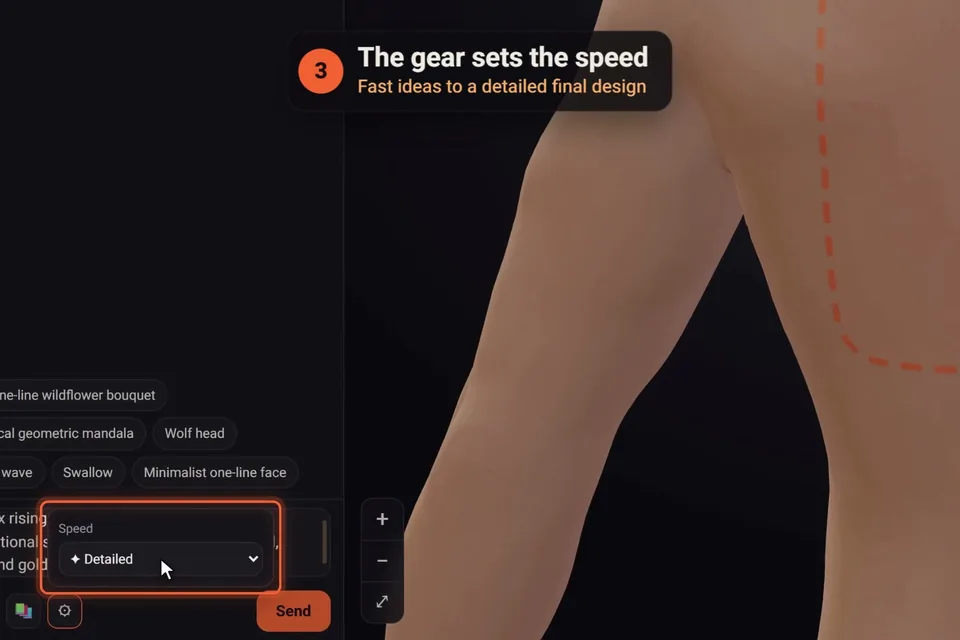
What's free at click2ink, and what uses a credit
click2ink is our own studio, so here are its terms in plain words. You sign in with Google and get 3 free credits, no credit card needed. A credit is one message to the AI artist: a new design, a change, or lifting a tattoo off a photo. Each message draws at most one design, so three credits might be one design plus two rounds of changes.
All of this costs nothing:
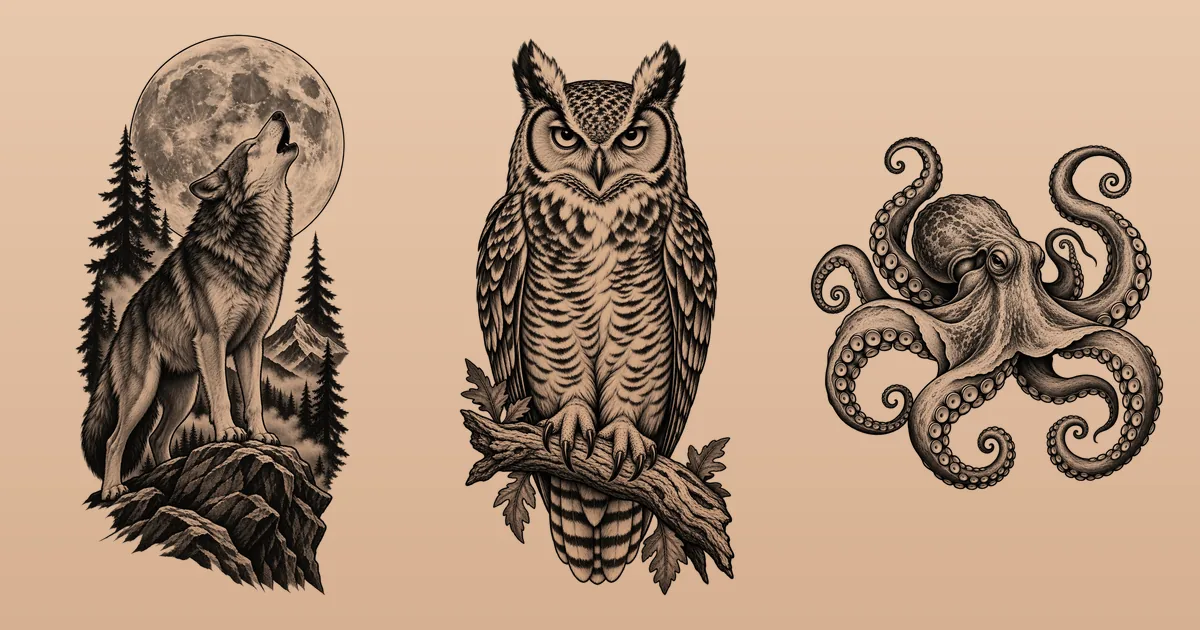
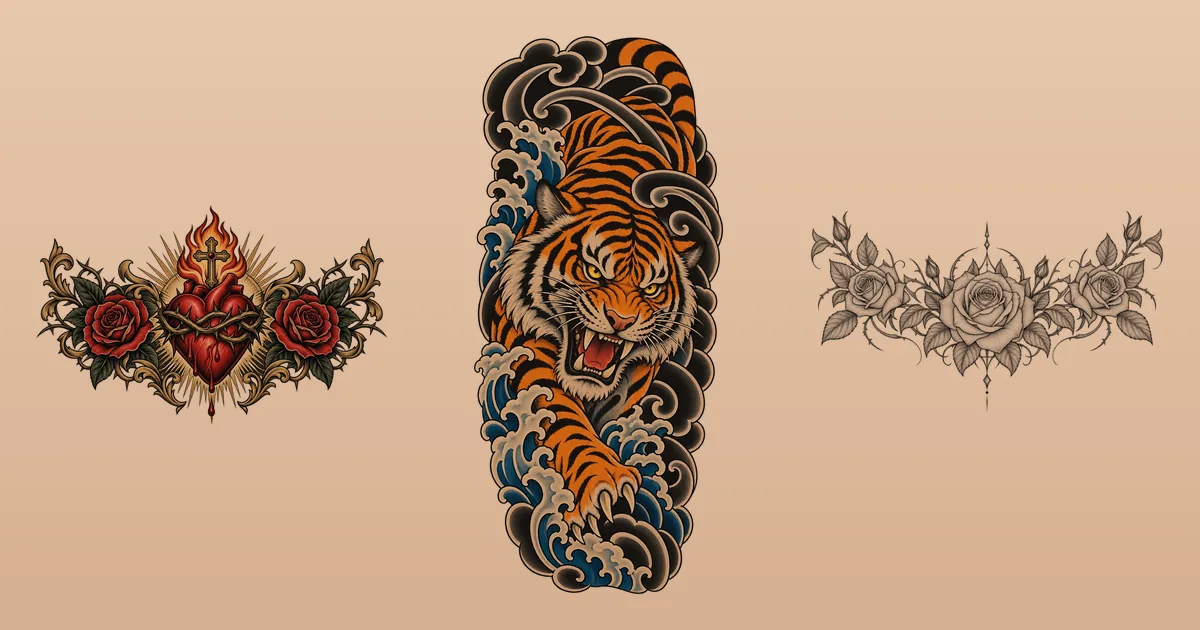
- the library of 450+ ready-made tattoos, drawn especially for the studio and free to use;
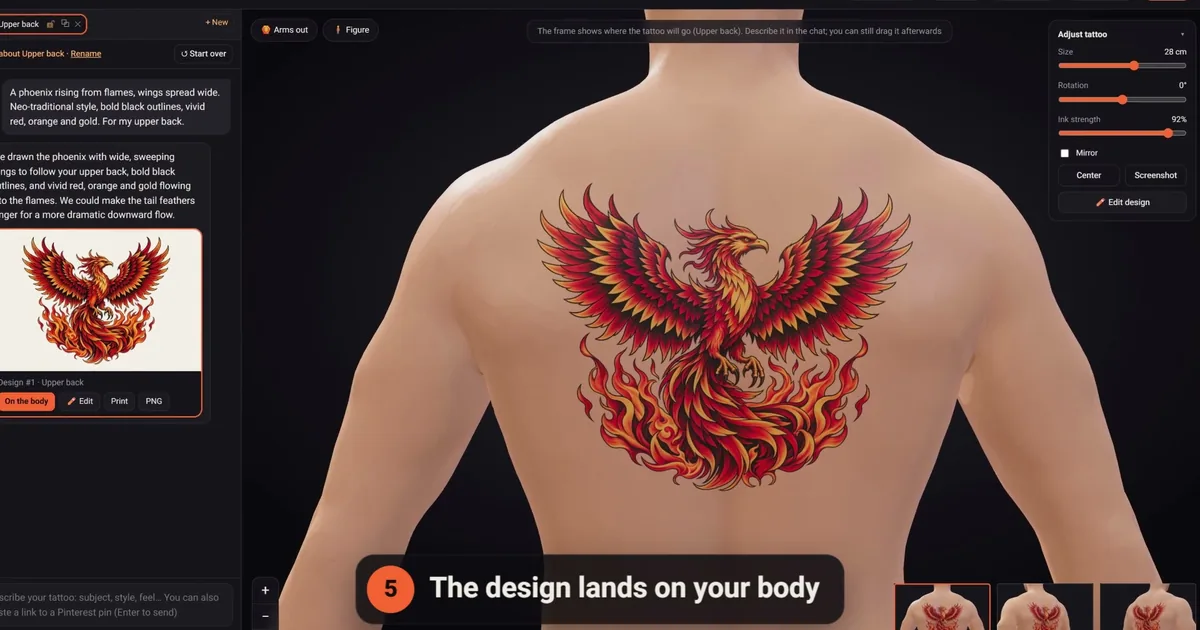
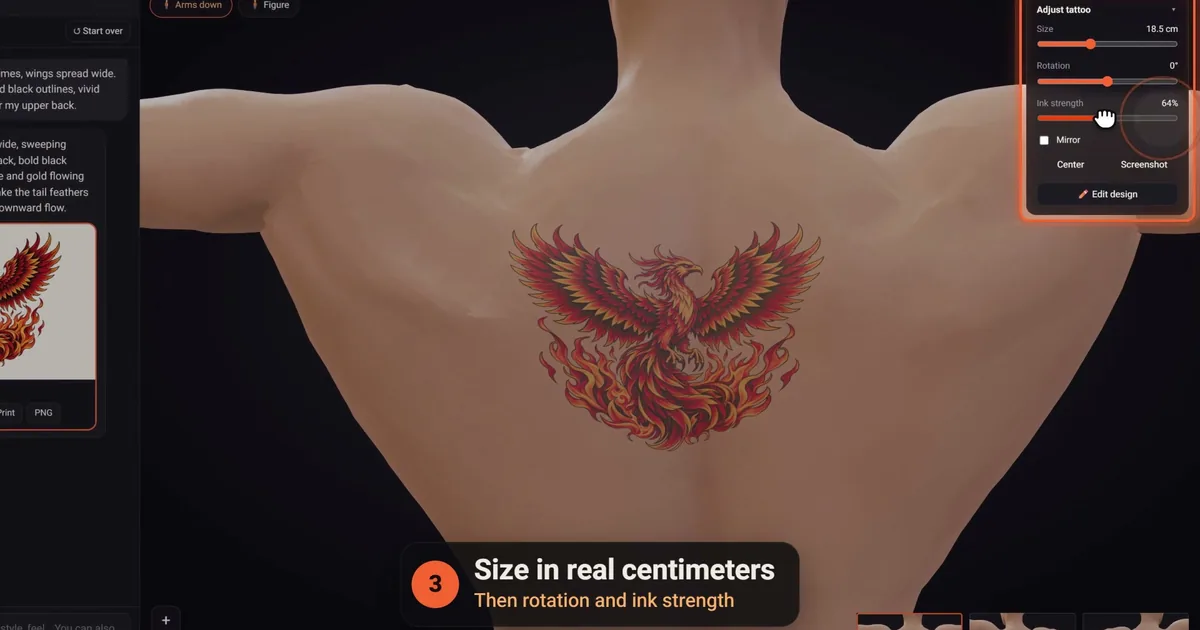
- placing, moving, resizing and rotating any tattoo on the 3D figure, at its real size in centimeters;
- the editor's hand tools: erase and restore, clean stray specks, flip and mirror, crop, tone and contrast, black and grey, an outline for a stencil look, and adding a name or a date;
- sharing a 3D link, printing at true size and downloading a PNG.
When you want more, packs are one-time payments from $5 for 10 credits, with no subscription, and the credits never expire. The pricing page lists every pack, and the features page shows the studio tool by tool.
Free ways to get a design without generating one
AI isn't the only free route, and some days it isn't the best one.
- Finished designs. A library or a sheet of flash tattoos gives you tattoo-ready art you can try on as it is, or use as the base for something of your own.
- A pencil sketch. Even a rough drawing settles the composition: what goes where, and how big. Photograph it and you have a reference for your artist, or for an AI to redraw cleanly.
- Your artist's own flash. Plenty of artists post designs they'd love to tattoo. Picking one supports their work and skips the design stage entirely.
- Ideas before designs. If you don't yet know what you want, start with a tattoo ideas generator instead of spending credits on guesses.
For a wider look at the tools themselves, our guide to the best AI tattoo generators compares the main options, and the AI tattoo generator guide covers how to get from an idea to an ink-ready design.
Questions to ask before you use a free AI tattoo generator
What's the catch with a free AI tattoo generator?
Usually one of five things: a cap on how many designs you can make, a watermark, small files, a public gallery for free users, or terms that limit what you can do with the image. None is a dealbreaker on its own. Read the tool's pricing and privacy pages first, and keep personal details out of anything that might be shown to other people.
Which free AI tattoo generator is best?
The one whose free tier suits your project. For quick brainstorming, look for generous daily tries; for a design you'll actually ink, look for a tool that lets you refine it, see it at its real size and print it. Run the same prompt through two or three and compare the linework. Our comparison of the best AI tattoo generators shows how to test them.
Can I use one without creating an account?
Some tools let you generate without signing up. The trade-off is that there may be nowhere to come back to: close the tab and the design may be gone, so download anything you like straight away. click2ink asks you to sign in with Google, and that account is what keeps your projects, placements and chats on every device you sign in from.
How many designs do click2ink's free credits cover?
Up to three, because each credit is one message to the AI artist and each message draws at most one design. That could be three different ideas, or one design and two rounds of changes. Browsing the library, placing tattoos on the figure, editing by hand, printing and sharing don't use credits at all, so you can spend the three on drawing.
Is a design from a free AI tattoo generator good enough to tattoo?
It can be. Judge the design, not the price: clear outlines, detail that suits the size, shading that uses bare skin instead of white paint, and a shape that fits the spot. Whatever tool made it, your artist will adjust it for your skin and your body, so bring it as a strong reference rather than a finished stencil.
Who owns a tattoo design made with a free AI tool?
That depends first on the tool's terms, which differ, so read them. Copyright adds another layer: the U.S. Copyright Office's 2025 guidance says prompts alone don't make you the author of an AI image, while creative human changes can be protected. For a personal tattoo this rarely matters, but artists and anyone planning to sell the art should check carefully.
Do I need a credit card to try one?
Not usually, but some tools ask for a card to start a free trial that becomes a paid plan unless you cancel in time. Read the trial terms before you enter anything. click2ink doesn't ask for a card for its 3 free credits: you sign in with Google, and you only pay if you later choose to buy a one-time pack.
Is the tattoo library really free to use?
Yes. Our library holds 450+ ready-made tattoos drawn especially for the studio, and they're free to use. You can put any of them on the figure, size it, print it and share it without spending a credit. Asking the AI artist to adapt one, say a different flower or your initials worked in, is a message, so that part costs one credit.
What do credits cost once the free ones are used?
Credits come in one-time packs: 10 credits for $5, 50 for $20, 100 for $35 and 200 for $60. There's no subscription, and credits never expire. You pay by card on the secure page of an Israeli licensed card-clearing company, so your card number never reaches us, and a tax invoice or receipt arrives by email for every payment.